Translate product images
Bring infographics and A+ images into every marketplace language, several languages in one run.
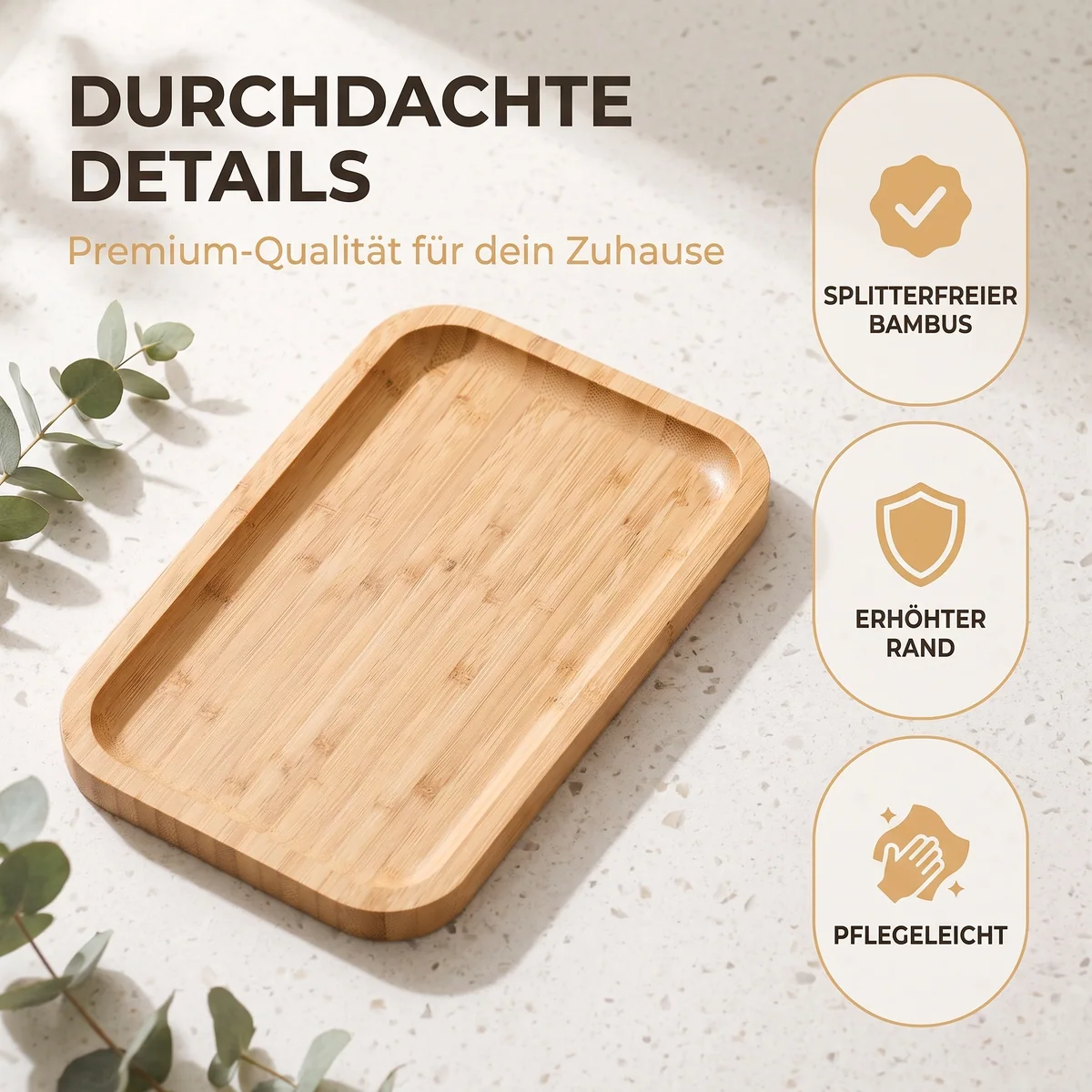
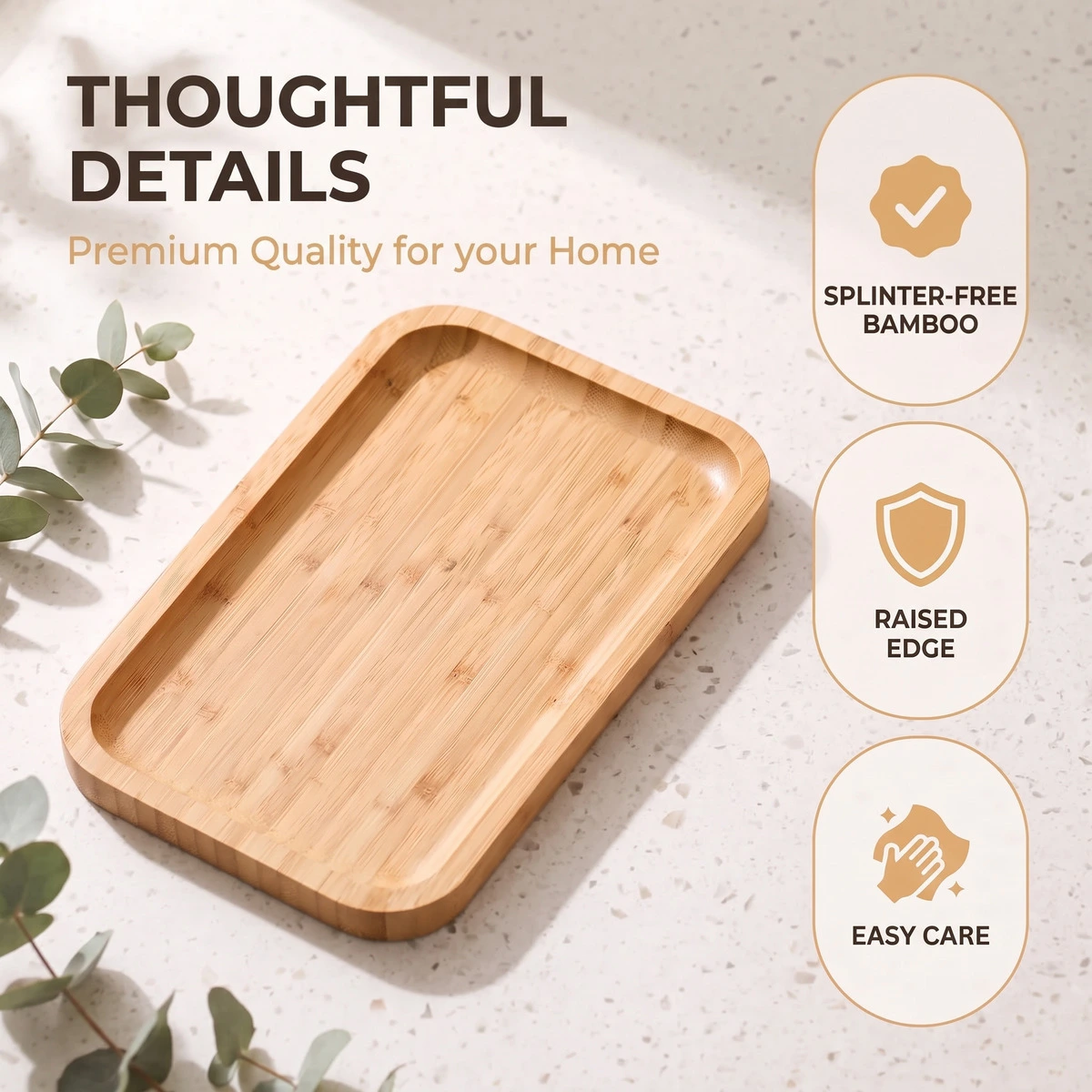
Translate without redesigning
The tool translates all visible text in the image and leaves everything else alone: layout, font, font size, colors, icons, and the product photo. Pick one or more target languages, and every image comes back in every language. Five infographics in French, Italian, and Spanish are one run with 15 results, 1 credit per image and language.
Photoshop files (PSD and PSB) are handled differently: SellerVisuals translates the actual text layers instead of painting over pixels. If a phrase doesn't fit, re-run single images with a note, for example a fixed slogan in the target language.
What Amazon says about text in other languages
If you sell in several countries, three Amazon points matter:
- If you need different images per country, for example because of language-specific text, upload them as global first and then country-specific.
- If a country-specific image contains text, it must be in the country's official language or in English.
- Following an announcement in the Seller Forums, Amazon automatically translates text in product images in many stores, the main image excepted. Uploading your own images in the right language replaces Amazon's translations.
Sources: Amazon Seller Central: Upload images, accessed September 28, 2026 · Amazon News in the Seller Forums: “Reach more customers with automatically translated product images,” accessed September 28, 2026
Why your own translations still matter
Amazon's automatic translation decides on its own how your selling point sounds in another language. With your own images you set the wording, check it before upload, and use the same files in your store and on marketplaces without automatic translation.
Frequently asked questions
Which languages can I translate product images into?
23 languages, including English, French, Italian, Spanish, Dutch, Polish, and Swedish. You can choose several target languages in one run.
Will my infographic design stay the same?
Yes. Only the words are replaced. Layout, font, font size, colors, and imagery stay as they are.
Can I translate Photoshop files?
Yes. For PSD and PSB files, SellerVisuals translates the text layers themselves instead of painting over text in the flattened image.
How much does a translation cost?
1 credit per image and target language, so one image in three languages costs 3 credits.